New Feature MyAccount: Submit meter readings
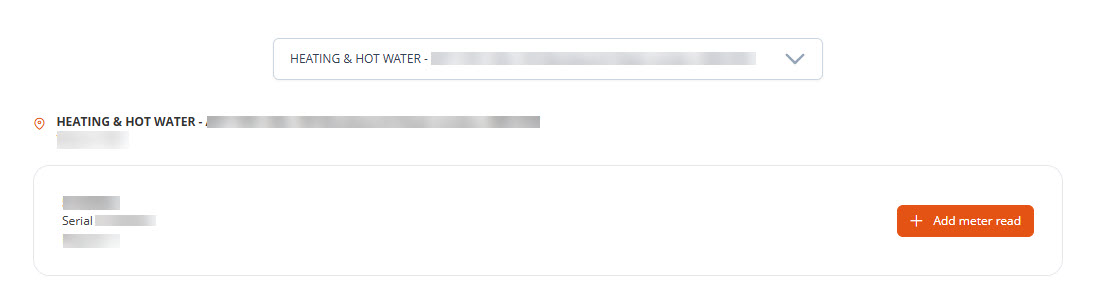
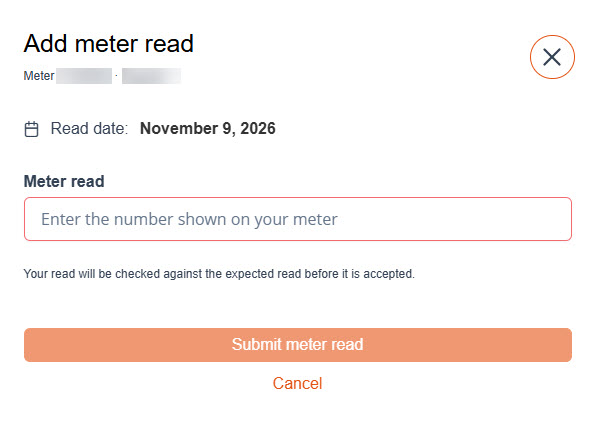
Your customers can now submit their own meter readings directly through MyAccount. Once logged in, they can view the meters linked to their account, select a meter and enter a reading.
Each reading is automatically checked against the expected reading (higher than the last read). If it falls outside the ±30% range, a validation message prompts the customer to check their entry. This gives customers more control over submitting their readings and reduces manual entry for your team.
The readings are sent directly to Import Meter Read on the Dashboard, where they follow the standard process for importing meter reads.
If you would like this feature turned on, please log a support ticket.